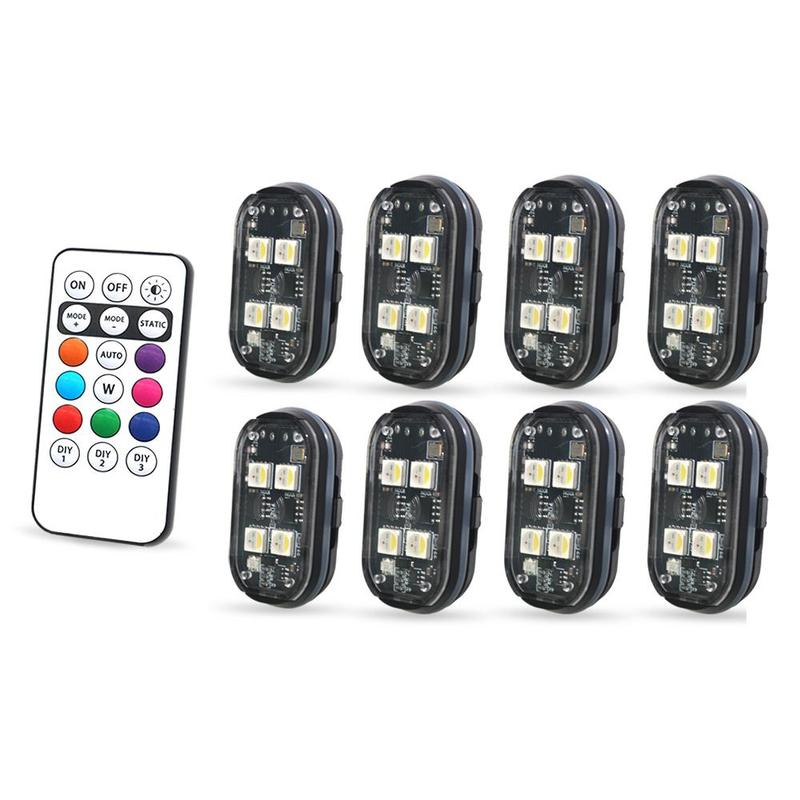
4Pcs Wireless LED Lights for Car, Rechargeable Interior Car Lights
4Pcs Wireless LED Lights for Car, Rechargeable Interior Car Lights
🎁The first 100 orders per day will receive double the product
🔥92.8% of Customers Buy 2 or More🔥
Buy More Save More
Couldn't load pickup availability
-
Ordered
- - -
Order Ready
- - -
Delivered
Shipping & Returns
Shipping & Returns
Enjoy fast & free shipping on all orders. Need extra peace of mind? Upgrade to secured shipping at checkout for added protection.
Every order ships next business day in discreet packaging for your privacy.
30-Day Guarantee
30-Day Guarantee
Not satisfied? No worries — we've got your back. Return your order within 30 days for a full refund, no questions asked.

4Pcs Wireless LED Lights for Car, Rechargeable Interior Car Lights

Stay Visible with One-Touch Strobe Control
Switch colors and flashing patterns from the remote, mount the compact lights where needed, and add bright visibility to vehicles, drones, and outdoor equipment.
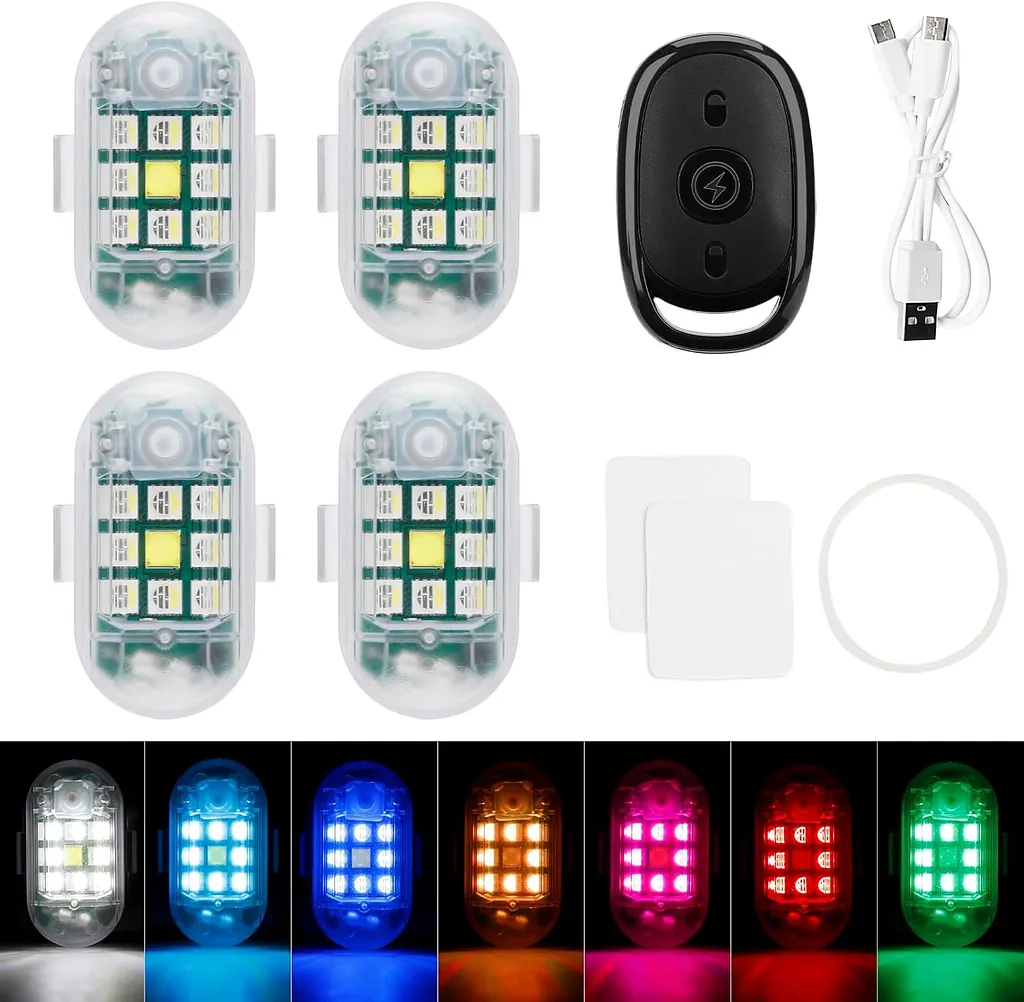
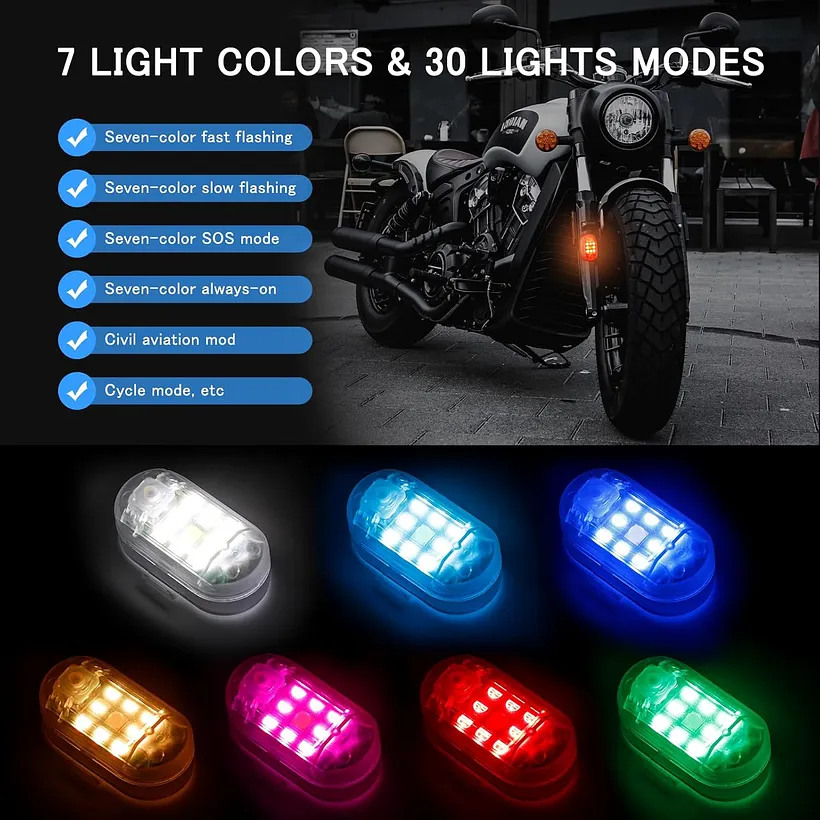
Seven Colors, Multiple Flashing Patterns
Choose a single color or cycle through multiple colors for visibility, styling, signaling, or display use.

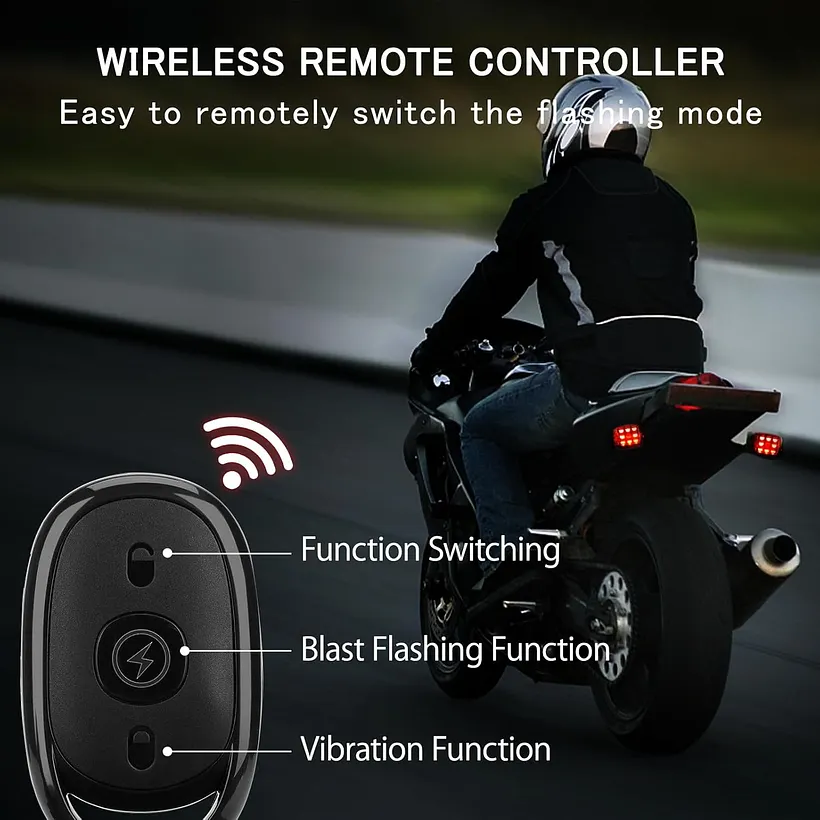
Change Color and Mode with the Remote
Keep the lights powered on, then use the included remote to switch colors, select flashing modes, control the lights, and manage vibration sensing.
- Remote color selection
- Remote flashing-mode changes
- Remote light on/off control
- Vibration-mode button

Compact Size, Bright Output
Each light measures approximately 1.97 × 0.98 × 0.79 in, making it easier to place in compact locations while producing a bright, visible effect.
- High-brightness LED light source
- Small rectangular housing
- Suitable for multiple mounting positions
- Designed to improve visibility

IP68 Waterproof Protection
The sealed housing is designed for outdoor use and wet-weather exposure, making the lights suitable for vehicles, outdoor gear, and changing conditions.

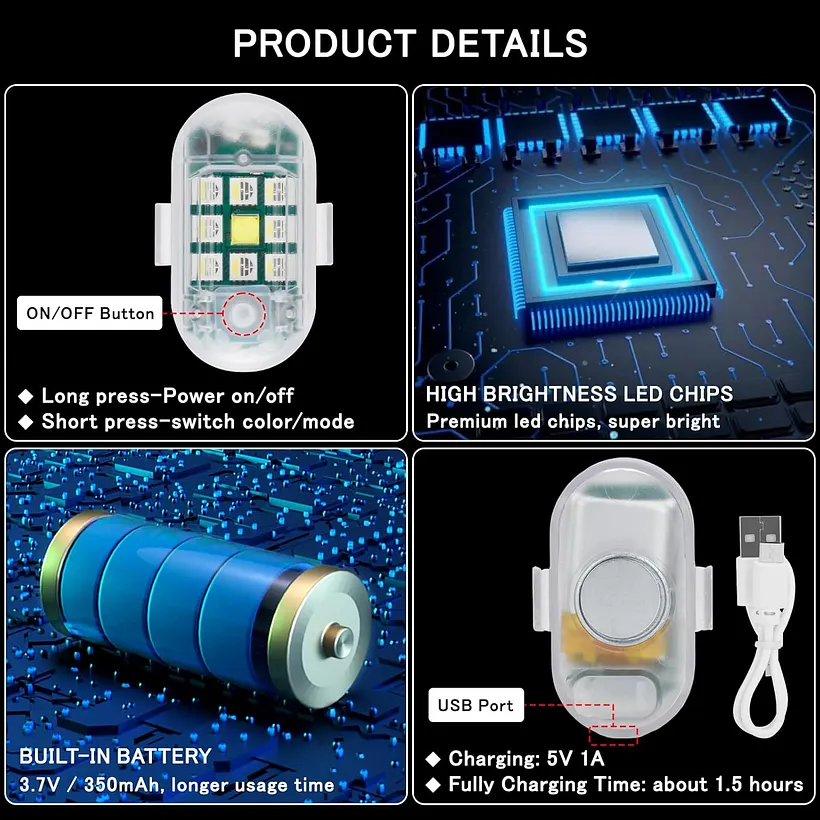
One-Button Light Control
Use the button on the light itself to change the color or flashing pattern when the remote is not nearby.
- Long-press to power the light on
- Short-press to change color or mode
- Simple independent operation
- Remote remains available for group control

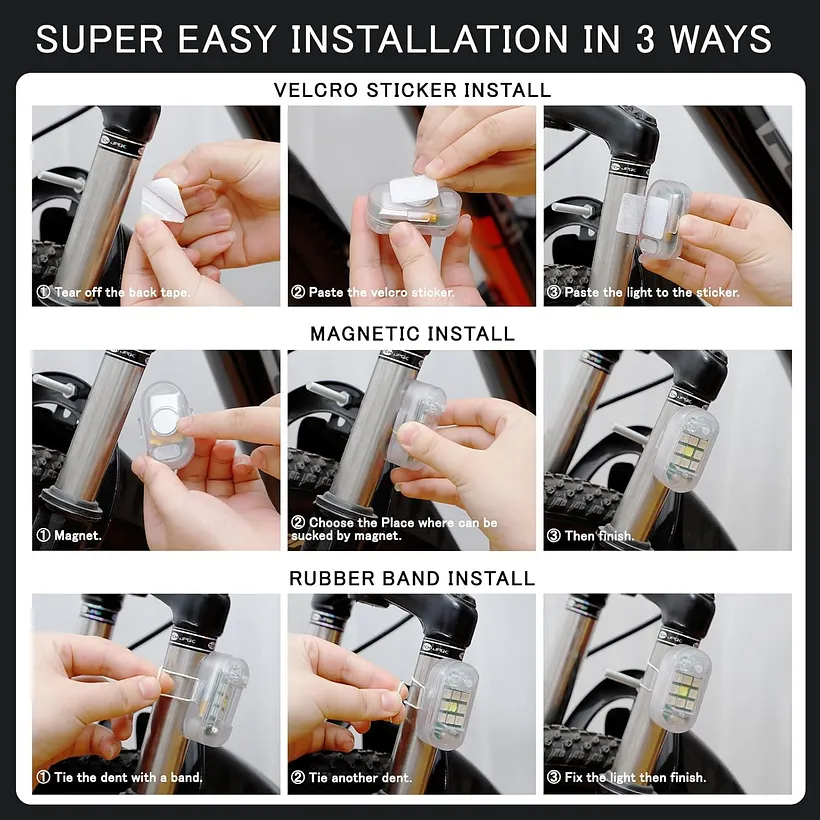
Mount Them Your Way
Choose the method that best suits the mounting surface and intended use.
Hook-and-Loop Sticker
Useful for removable placement on clean, flat surfaces.
Magnetic Mounting
Attach to a compatible ferrous metal surface when appropriate.
Rubber-Band Mounting
Secure the light around suitable bars, frames, or equipment.

Automatic Rest and Wake Behavior
When vibration mode is enabled, the lights can pause after the equipment remains still and reactivate when vibration is detected again.
Green Indicator
The original page states green indicates vibration mode is on.
Blue Indicator
The original page states blue indicates vibration mode is off.
Rest After 15 Seconds
With vibration mode on, the light turns off after about 15 seconds without sensed vibration.
Wake Window
If vibration is sensed within two hours, the light can switch on again.

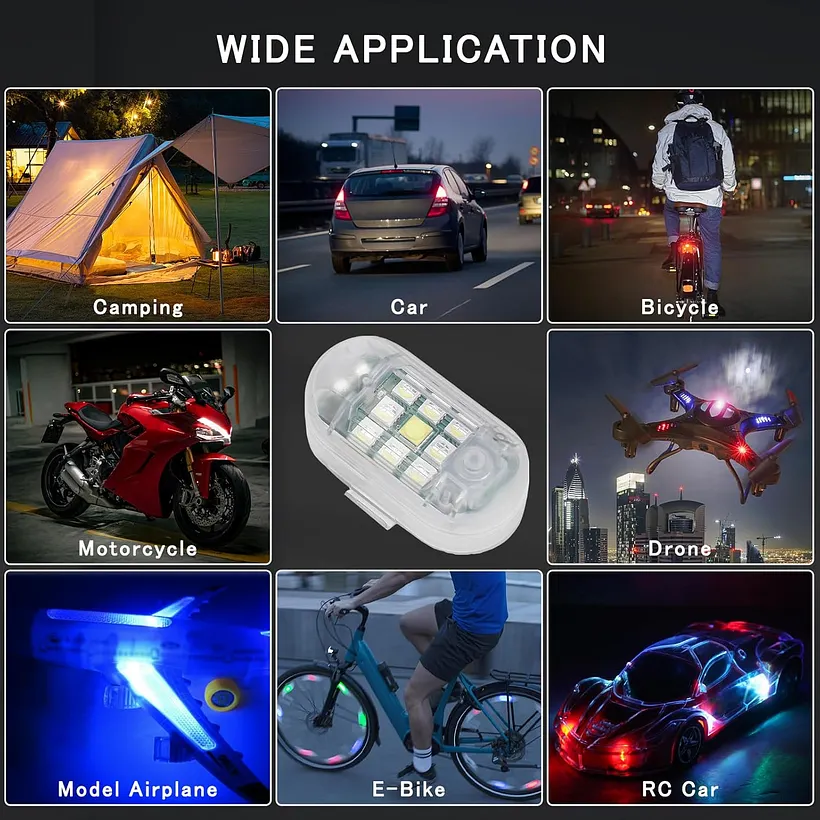
For Vehicles, Drones and Outdoor Equipment
Use the compact lights where added visibility or decorative lighting is appropriate and legally permitted.


Two Available Quantity Options
Select the kit size in the product options before adding it to your cart.
Key Details
The original specification table also lists 14.4 volts and “batteries not included.” Because the lights are described as chargeable, check the supplied package and charging instructions before use.

Charge, Test and Install Safely
Frequently Asked Questions
How do I turn vibration mode on or off?
Long-press the button on each light to make sure it is powered on. Then short-press the vibration button on the remote. According to the original page, green indicates vibration mode is on and blue indicates it is off.
Can the remote turn the lights on and off?
Yes. First power on the individual lights by long-pressing their buttons. You can then long-press the relevant function button on the remote to control them.
Why are the lights not bright enough when first opened?
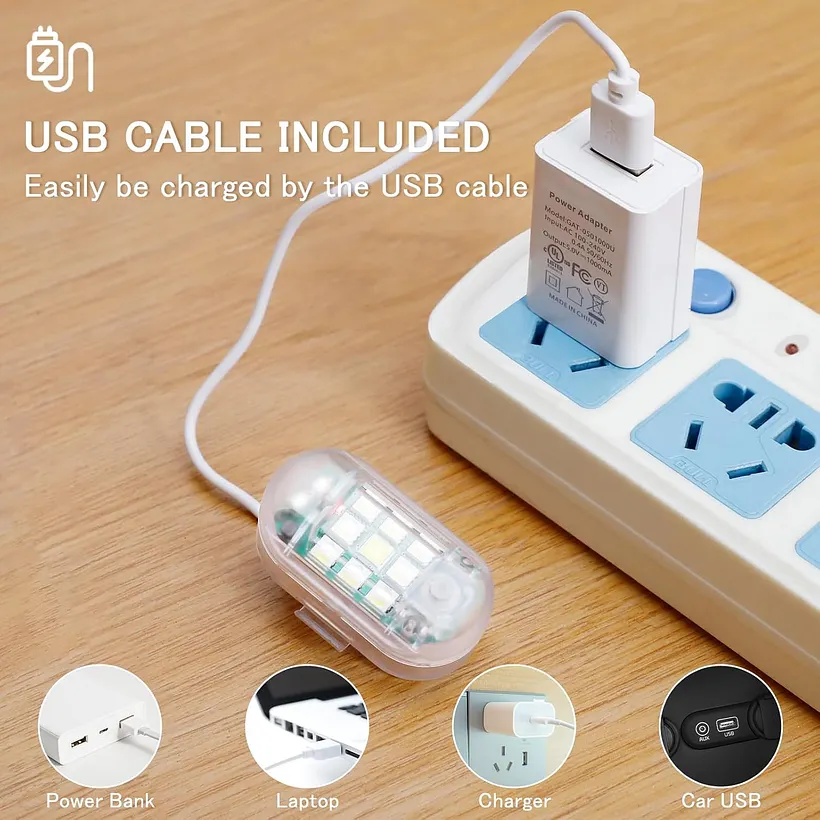
The seller states the lights may not be fully charged during manufacturing. Charge them completely before the first use.
What does vibration mode do?
When enabled, the light turns off after approximately 15 seconds without sensed vibration. If vibration is detected again within two hours, the light can reactivate.
Why does the remote not turn on the lights?
Make sure each light is already in its powered-on state by long-pressing its physical button. Then try the remote function again.
Why do the lights disconnect after about two hours?
Vibration mode is enabled by default during initial use. Power the lights on and use the remote’s vibration function to disable that mode if you want continuous manual control.
Can I use the lights in rain?
The original listing states an IP68 waterproof rating. Ensure all seals are properly closed and never charge the lights while wet.
Where can I install them?
The page shows use on cars, trucks, drones, and other equipment. Install only where the light will not interfere with controls, visibility, moving parts, heat sources, wireless systems, or local regulations.
Bright Visibility, Right from the Remote
Choose your color, select a flashing pattern, and mount the compact lights where added visibility is needed.